
2013.12.24
ストリーミング動画を配信してみよう ~nginxとC++ RTMP Server(crtmpserver)の構築~
nginxのインストール
nginxのインストールを行います。
①ダウンロードしたnginxのソースコードを解凍します。
tar xvfz nginx-1.5.7.tar.gz
②解凍したnginxディレクトリに移動します。
cd nginx-1.5.7
③使用するオプションを付け、configureを実行します。
./configure –user=nginx –group=nginx –with-http_ssl_module –with-http_realip_module
④コンパイルして、インストールします。
make
make install
インストールが完了したら、Nginxの起動スクリプトを作成します。
nginxの起動スクリプト作成
nginxの起動用スクリプトがないために作成します。
以下のURLを参考にしました。
・RedHatNginxInitScript
vi /etc/init.d/nginx
nginxの内容は、以下のようになります。
#!/bin/sh
#
# nginx - this script starts and stops the nginx daemon
#
# chkconfig:   - 85 15
# description:  Nginx is an HTTP(S) server, HTTP(S) reverse
#proxy and IMAP/POP3 proxy server
# processname: nginx

# Source function library.
. /etc/rc.d/init.d/functions

# Source networking configuration.
. /etc/sysconfig/network

# Check that networking is up.
[ "$NETWORKING" = "no" ] && exit 0

nginx="/usr/local/nginx/sbin/nginx"
prog=$(basename $nginx)

NGINX_CONF_FILE="/usr/local/nginx/conf/nginx.conf"

lockfile=/usr/local/nginx/logs/nginx.lock

start() {
    [ -x $nginx ] || exit 5
    [ -f $NGINX_CONF_FILE ] || exit 6
    echo -n $"Starting $prog: "
    daemon $nginx -c $NGINX_CONF_FILE
    retval=$?
    echo
    [ $retval -eq 0 ] && touch $lockfile
    return $retval
}

stop() {
    echo -n $"Stopping $prog: "
    killproc $prog -QUIT
    retval=$?
    echo
    [ $retval -eq 0 ] && rm -f $lockfile
    return $retval
}

restart() {
    configtest || return $?
    stop
    sleep 1
    start
}

reload() {
    configtest || return $?
    echo -n $"Reloading $prog: "
    killproc $nginx -HUP
    RETVAL=$?
    echo
}

force_reload() {
    restart
}

configtest() {
  $nginx -t -c $NGINX_CONF_FILE
}

rh_status() {
    status $prog
}

rh_status_q() {
    rh_status >/dev/null 2>&1
}

case "$1" in
    start)
   rh_status_q && exit 0
   $1
   ;;
    stop)
   rh_status_q || exit 0
   $1
   ;;
    restart|configtest)
   $1
   ;;
    reload)
   rh_status_q || exit 7
   $1
   ;;
    force-reload)
   force_reload
   ;;
    status)
   rh_status
    ;;
    condrestart|try-restart)
   rh_status_q || exit 0
  ;;
    *)
   echo $"Usage: $0 {start|stop|status|restart|condrestart|try-restart|reload|force-reload|configtest}"
   exit 2
esac
「/etc/init.d/nginx」に実行権限を付与します。
chmod +x /etc/init.d/nginx
nginxの確認
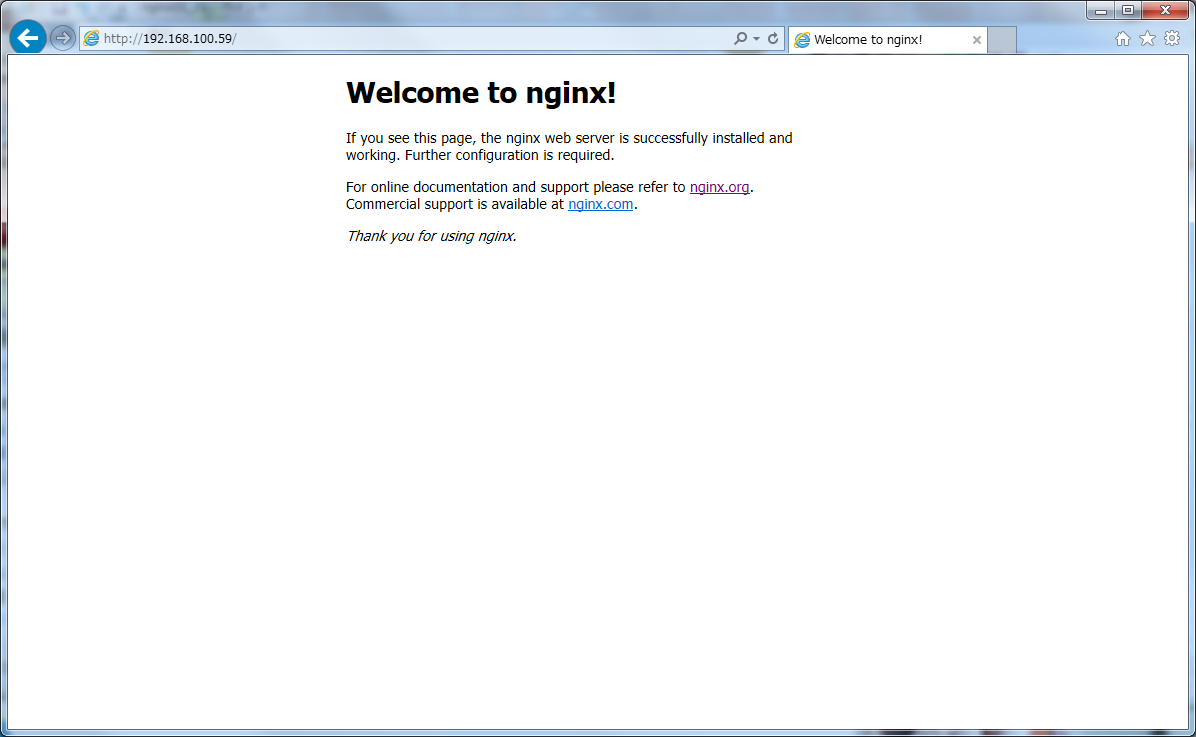
nginxを起動し、動作を確認します。
以下のような表示が表示されれば、nginxのインストールは完了です。
次回は、「C++ RTMP Server(crtmpserver)のインストール」について説明していきたいと思います。








