
ServiceとProgressDialogを使ってみました。
※はじめに
この記事はAndroidアプリの開発が、初心者であるという方のための記事です。
そのため、なるべく複雑な説明は避け、コピー&ペイストですぐに動くものをご紹介します。
JavaやAndroidを理解されている方で細かい説明が必要な方は、当ブログ内の連載記事である「Android Tips」をご覧ください。
今回はProgressDialogです。
Serviceと連携させています。
アプリ実行図
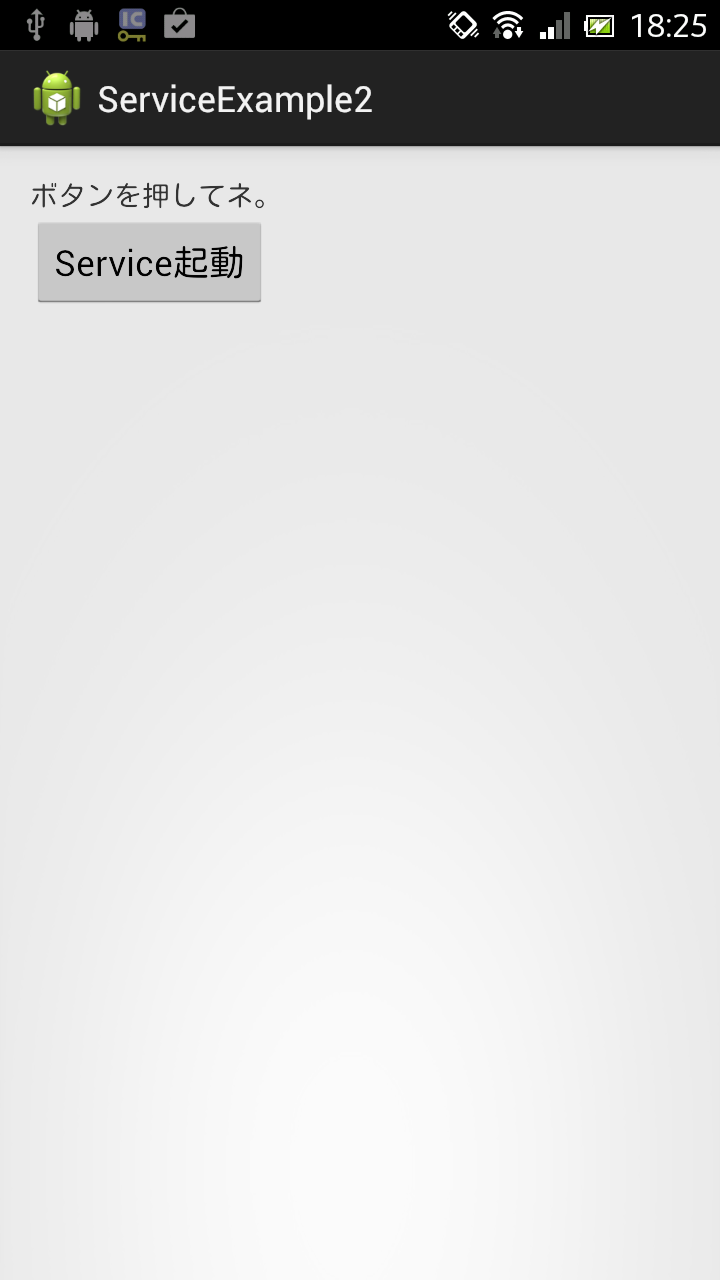
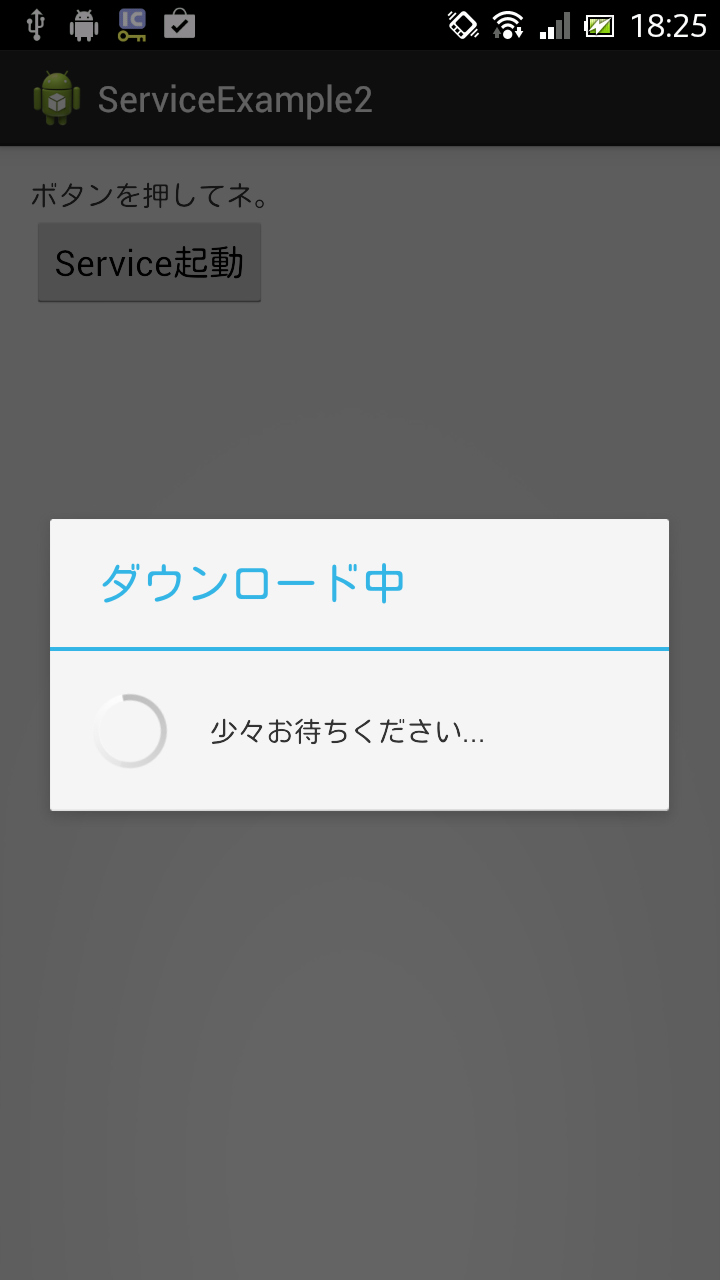
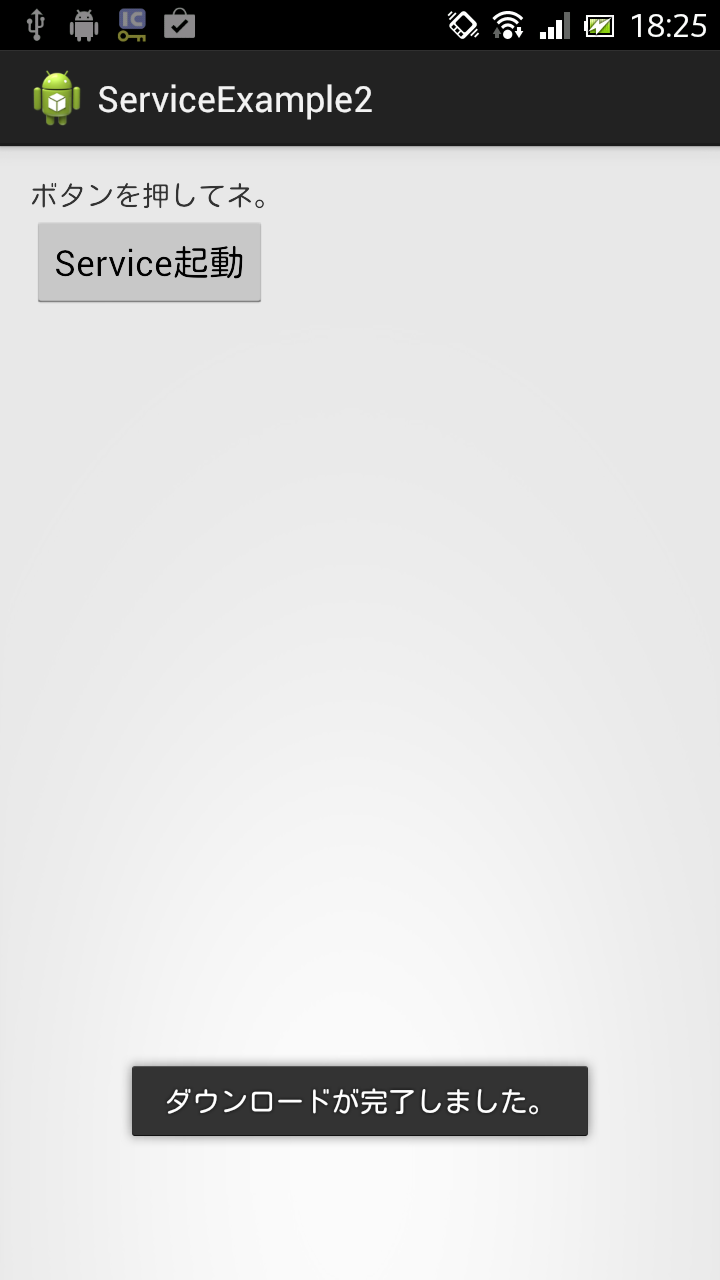
サンプルコード
- activity_main.xml(画面レイアウトファイル)
<LinearLayout xmlns:android="http://schemas.android.com/apk/res/android"
    xmlns:tools="http://schemas.android.com/tools"
    android:layout_width="match_parent"
    android:layout_height="match_parent"
    android:padding="15dp"
    android:orientation="vertical"
    tools:context=".MainActivity" >

    <TextView
        android:id="@+id/textView1"
        android:layout_width="wrap_content"
        android:layout_height="wrap_content"
        android:text="ボタンを押してネ。" />

    <Button
        android:id="@+id/button1"
        android:layout_width="wrap_content"
        android:layout_height="wrap_content"
        android:text="Service起動" />

</LinearLayout>
package com.example.serviceexample2;

import android.app.Activity;
import android.app.ProgressDialog;
import android.content.Intent;
import android.os.Bundle;
import android.view.View;
import android.view.View.OnClickListener;
import android.widget.Button;

public class MainActivity extends Activity {

	private ProgressDialog progressDialog;

	@Override
	protected void onCreate(Bundle savedInstanceState) {
		super.onCreate(savedInstanceState);
		setContentView(R.layout.activity_main);

		Button button = (Button) findViewById(R.id.button1);
		button.setOnClickListener(new OnClickListener() {

			@Override
			public void onClick(View v) {
				Intent intent = new Intent(MainActivity.this, SubService.class);
				startService(intent);
				dialog();
			}
		});
	}

	public void dialog() {
		progressDialog = new ProgressDialog(MainActivity.this);
		progressDialog.setProgressStyle(ProgressDialog.STYLE_SPINNER);
		progressDialog.setTitle("ダウンロード中");
		progressDialog.setMessage("少々お待ちください...");
		progressDialog.setCancelable(true);
		progressDialog.show();
	}

	@Override
	protected void onNewIntent(Intent intent) {
		super.onNewIntent(intent);

		progressDialog.dismiss();
	}

}
package com.example.serviceexample2;

import android.app.Service;
import android.content.Intent;
import android.os.Handler;
import android.os.IBinder;
import android.widget.Toast;

public class SubService extends Service {

	// Handlerオブジェクトを生成
	private Handler handler = new Handler();

	// このメソッドは抽象メソッドの為実装必須(今回は使用しないのでnullを返す。)
	@Override
	public IBinder onBind(Intent intent) {
		return null;
	}

	// Serviceの実行直前に呼ばれる
	@Override
	public int onStartCommand(Intent intent, int flags, int startId) {

		// 別スレッドを作成
		new Thread(new Runnable() {

			// 別スレッドをスタート
			@Override
			public void run() {
				try {
					// スレッドを10秒間停止
					Thread.sleep(10000);
				} catch (InterruptedException e) {
					e.printStackTrace();
				}

				// 登録するジョブをRunableオブジェクトとして生成
				Runnable runnable = new Runnable() {

					@Override
					public void run() {

						// Intentを作成しFlagを追加
						Intent intent = new Intent(SubService.this,	MainActivity.class);
						intent.setFlags(Intent.FLAG_ACTIVITY_NEW_TASK);
						startActivity(intent);

						Toast.makeText(SubService.this, "ダウンロードが完了しました。", Toast.LENGTH_SHORT).show();
					}
				};
				// ジョブを登録
				handler.post(runnable);
			}
		}).start();

		return super.onStartCommand(intent, flags, startId);
	}

}
以上でOKです。








